
Note: This post was written in 2012 for Windows Phone, which Microsoft discontinued in 2017. The Windows Phone Store no longer exists and the download links below no longer work.
If you’re a fan of Bing.com’s daily background images, you’re probably already using the “Best of Bing” theme to get them as your desktop wallpaper on PC. But what about your Windows Phone? That’s where Papercut comes in.
Papercut automatically fetches Bing background images and sets them as your Windows Phone wallpaper. What makes it especially nice is that it doesn’t just pull from one region — it grabs backgrounds from all 10 regional versions of Bing.com, so you get a much wider variety. It also has a Live Tile that shows today’s featured image right on your home screen.
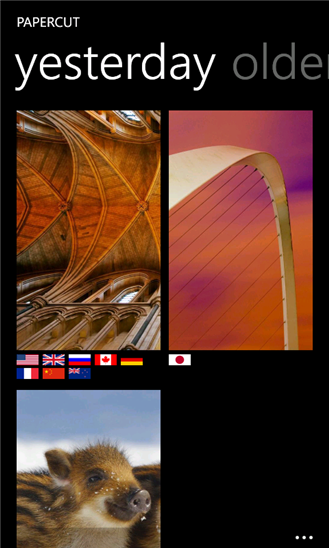
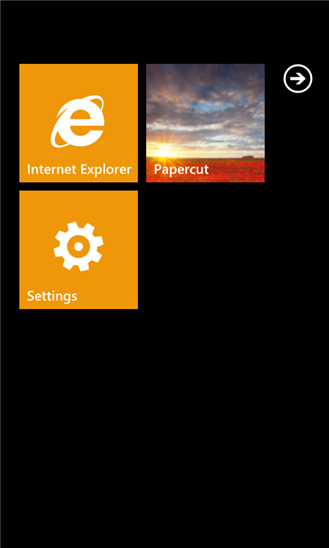

Here’s what Papercut offers:
- Fresh new Bing backgrounds every day
- Images from all 10 Bing regions around the world
- A Live Tile displaying today’s featured image
- A fast, fluid Metro-style interface
- Completely free (with a paid version if you want to support the developer)
You can download Papercut free here, or grab the paid version here ($1.99).
No Comments yet!