
Security matters. We constantly hear stories about someone’s Facebook account getting hacked or a Gmail password being stolen. It’s an unfortunate reality of living online. But I recently stumbled across something incredibly useful for locking down your accounts: MyPermissions.
At first glance, MyPermissions doesn’t look like much—it’s essentially just a page with eight links. But that’s exactly why it’s great. They don’t ask for your passwords, you don’t need to create a username, and there’s absolutely no sign-up process.
All you have to do is head over to their site:
MyPermissions.org
When you get there, you’ll see a clean interface that looks like this:
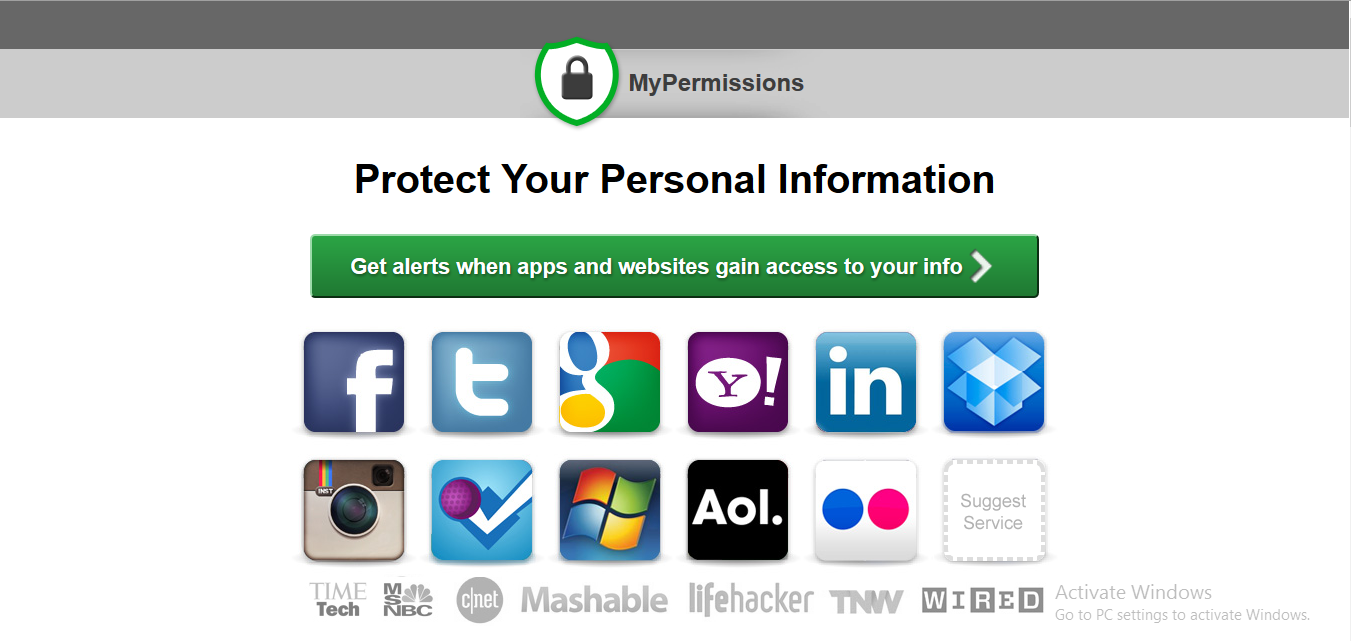
The next steps couldn’t be simpler:
- Just click on the icon for the social network you want to check. It’ll take you straight to the permissions page where you can see exactly which third-party apps have access to your profile data.
- From there, just revoke access for any apps you no longer use or that look suspicious.
When I tested it out and clicked the Facebook icon, I was honestly pretty shocked.
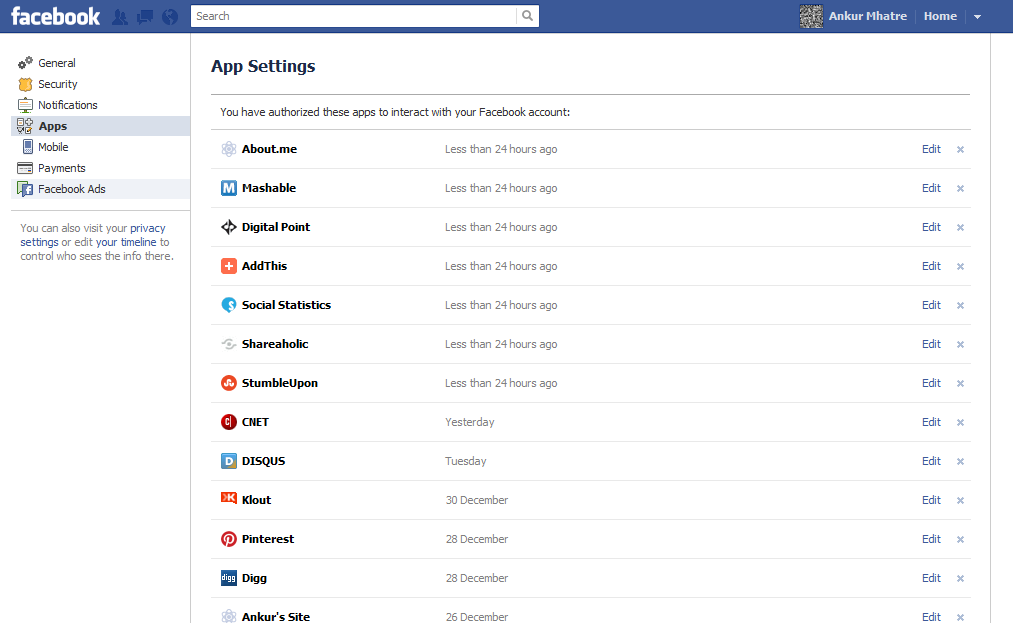
As you can see in the screenshot above, I had a whopping 279 different applications accessing my Facebook data! I immediately spent some time clearing out all the junk apps I hadn’t used in years, and then did the same for my other social accounts.
I highly recommend trying it for yourself. Because MyPermissions doesn’t actually ask for your passwords, it’s completely safe. You’ll probably be surprised by how many random apps from years ago still have access to your data!
No Comments yet!