
Microsoft Office is the world’s most widely used productivity suite. Most organizations store their documents as Word files, Excel spreadsheets, or PowerPoint presentations — so if you request information from someone, there’s a good chance it arrives as an Office file. If you’re on Windows Live (Hotmail), you can already open and edit these files online. If you’re on Gmail, Google Docs can handle them too, though formatting sometimes doesn’t survive the conversion.
There’s another option though: Microsoft’s own Office Web Apps Viewer, which is part of SkyDrive and available to all Windows Live users.
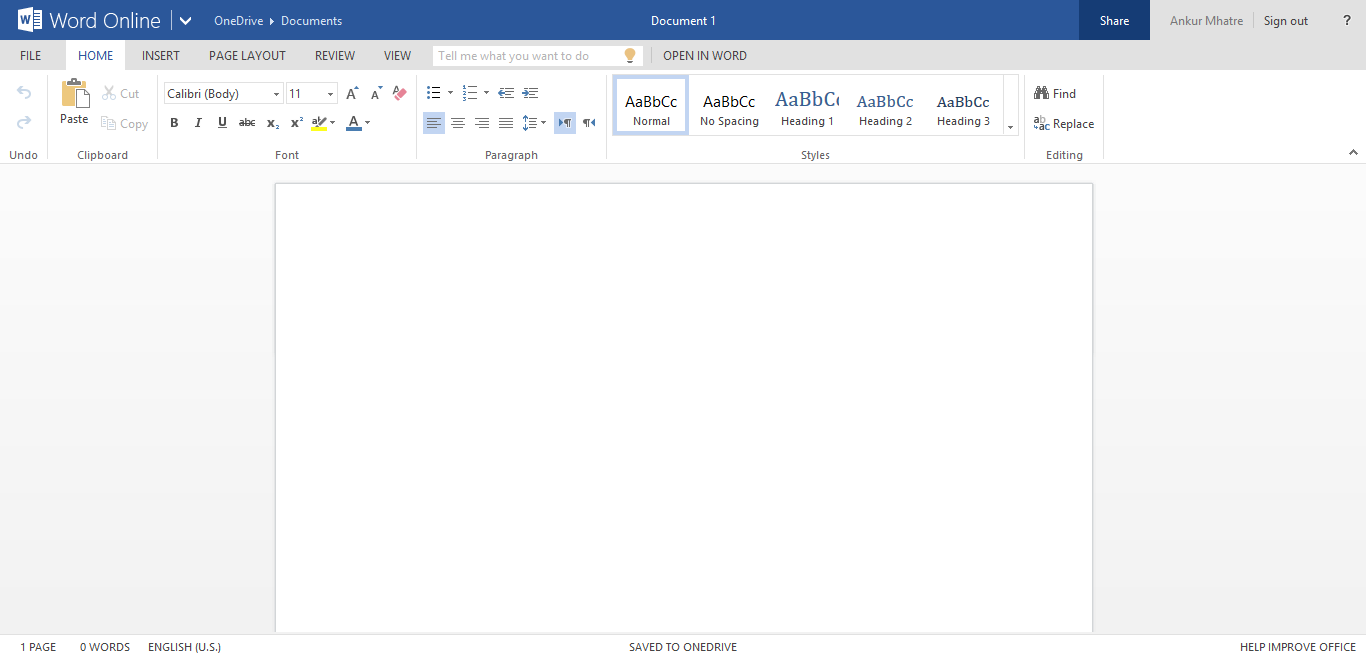
If you’re a Windows Live user, you can sign in and open any Office document directly from your inbox in the web app viewer. You can also create and edit Office documents right from SkyDrive.
But here’s the useful part even if you don’t have a Windows Live account: you can still use the Office Web Apps Viewer to open any publicly accessible Office file on the web. Just append the file’s URL to the viewer address like this:
http://view.officeapps.live.com/op/view.aspx?src=https://ankurm.com/pages/word.doc
Say you have two files hosted at:
www.example.com/document.docwww.example.com/presentation.ppt
You’d open them like this:
http://view.officeapps.live.com/op/view.aspx?src=http://www.example.com/document.doc

http://view.officeapps.live.com/op/view.aspx?src=http://www.example.com/presentation.ppt
Office Web Apps are noticeably better than Google Docs when it comes to rendering Office file formatting. Google Docs has an edge in file type support — it handles PDFs, Photoshop files, and even AutoCAD drawings, which Office Web Apps doesn’t. But for pure Office document fidelity, Microsoft’s viewer wins.
Note: Microsoft has since renamed SkyDrive to OneDrive.
this document not viewing
https://view.officeapps.live.com/op/embed.aspx?src=http://perfomance.xtragyan.com:8080/taaray3-data/generaluploads/150576756493.ppt
It looks like your URL contains port. This may be the reason!
I have the same issue today
I can’t open a document without it coming up to http://view.officeapps, live.com
How will this go away? I can’t print pages or look anything up. I’m about to go back to office 2010
I am using a public api at the end of this link but
We can’t find the file
File not found
The URL of the original file is not valid or the document is not publicly accessible.
Verify the URL is correct, then contact the document owner.
Learn more
I am getting this error.May I know the reason .ASAP
I am using a public api at the end of this link but
We can’t find the file
File not found
The URL of the original file is not valid or the document is not publicly accessible.
Verify the URL is correct, then contact the document owner.
Learn more
API is: https://sfvud-varian.cs8.force.com/MPP/services/apexrest/ContentDoc?ContentDocId=069L00000003r48IAA
I am getting this error.May I know the reason .ASAP
I also can’t view the doc file but I can download it. why?
the url like this: http://123.123.123.123:9999/doc/get/some/path/file.doc