Note: This guide was written in 2012 for VB .NET and targets the WinINet API (wininet.dll). It still functions on modern Windows, but with important caveats:
- Scope is application-only — This only affects your own running application’s HTTP requests. It does not change settings for IE, Chrome, Edge, or any other browser running simultaneously.
- Not a registry edit — Unlike registry-based approaches, this leaves the rest of the system completely untouched, which is exactly what you want for most use cases.
- For modern .NET apps, consider using
HttpClientwith an explicitWebProxyinstead, which is cleaner and cross-platform. - Best use case today: Legacy WinForms apps or anything using the
WebBrowsercontrol that relies on WinINet as its HTTP layer.
Working with proxies is a common requirement when you’re developing applications that need to talk to the internet, especially in corporate environments. Often, you want your application to use a specific proxy without affecting the rest of the user’s computer.
If you search the web for how to do this in Visual Basic, you’ll find plenty of tutorials that tell you to modify the Windows Registry. The problem with that approach is that it changes the settings for the entire PC, which usually isn’t what you want. Finding a clean way to set an “application-only” proxy can be surprisingly difficult.
Continue reading Programmatically Set Proxy Settings In Visual Basic


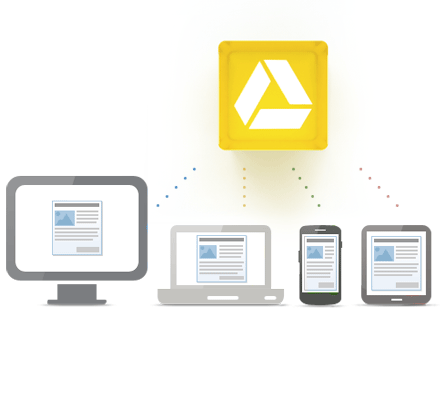 Just a few days ago, Google finally threw its hat into the cloud storage ring with the highly anticipated launch of Google Drive. Every tech blog and major newspaper has been buzzing about it, and because it’s Google, this is a massive shift for the internet.